

An AI agent is useful to a business when it can do real work: check an order, update a record, draft a reply with the right account details. That means it needs access to business data, and the moment it has access, the question becomes who controls what it can read and change. The tools below differ most on that point, not on which model they use.
Below are ten AI agent tools for business, grouped by how they work, with the point where each one stops. For building agents step by step, see AI agent builder: from prototype prompts to secure production agents.
What a business AI agent needs
- Access to the systems where the work happens: databases, CRM, help desk, APIs.
- Permissions that match the person or team it acts for.
- A human approval step for actions that are costly or hard to undo.
- A log of what it read and what it changed.
- A way for non-developers to see and adjust what it does.
The ten tools at a glance
| Tool | Best for | Type |
|---|---|---|
| Jet Admin | Agents inside apps on your own data | App and agent builder |
| Microsoft Copilot Studio | Microsoft 365 organizations | Enterprise agent builder |
| Salesforce Agentforce | Salesforce customers | CRM-native agents |
| Google Vertex AI Agent Builder | Google Cloud teams | Developer platform |
| Zapier Agents | Agents across SaaS apps | Automation platform |
| n8n | Technical teams, self-hosting | Workflow automation |
| Lindy | Personal and team assistants | No-code agents |
| Gumloop | AI workflows for ops and marketing | No-code agents |
| Intercom Fin | Customer support | Support agent |
| Relevance AI | Agent teams for sales and ops | No-code agents |
Agents built on your own data
1. Jet Admin
Jet Admin builds AI agents that read and act on business data inside the apps your team already uses: an agent that triages support tickets against order data in Postgres, one that drafts renewal notes from HubSpot, one that flags invoices that do not match a purchase order. The agent works through the same 200+ integrations and the same roles as the people using the app, so it cannot see rows a user could not see. Risky actions can go through an approval step before they run.
Granular permissions, SSO and audit logs are on the Business plan and above; self-hosted AI models and on-premise deployment are on Enterprise.
Where it stops: it is not a general-purpose chat assistant for writing emails or browsing the web; its agents are tied to business apps and data.
Enterprise platforms
2. Microsoft Copilot Studio
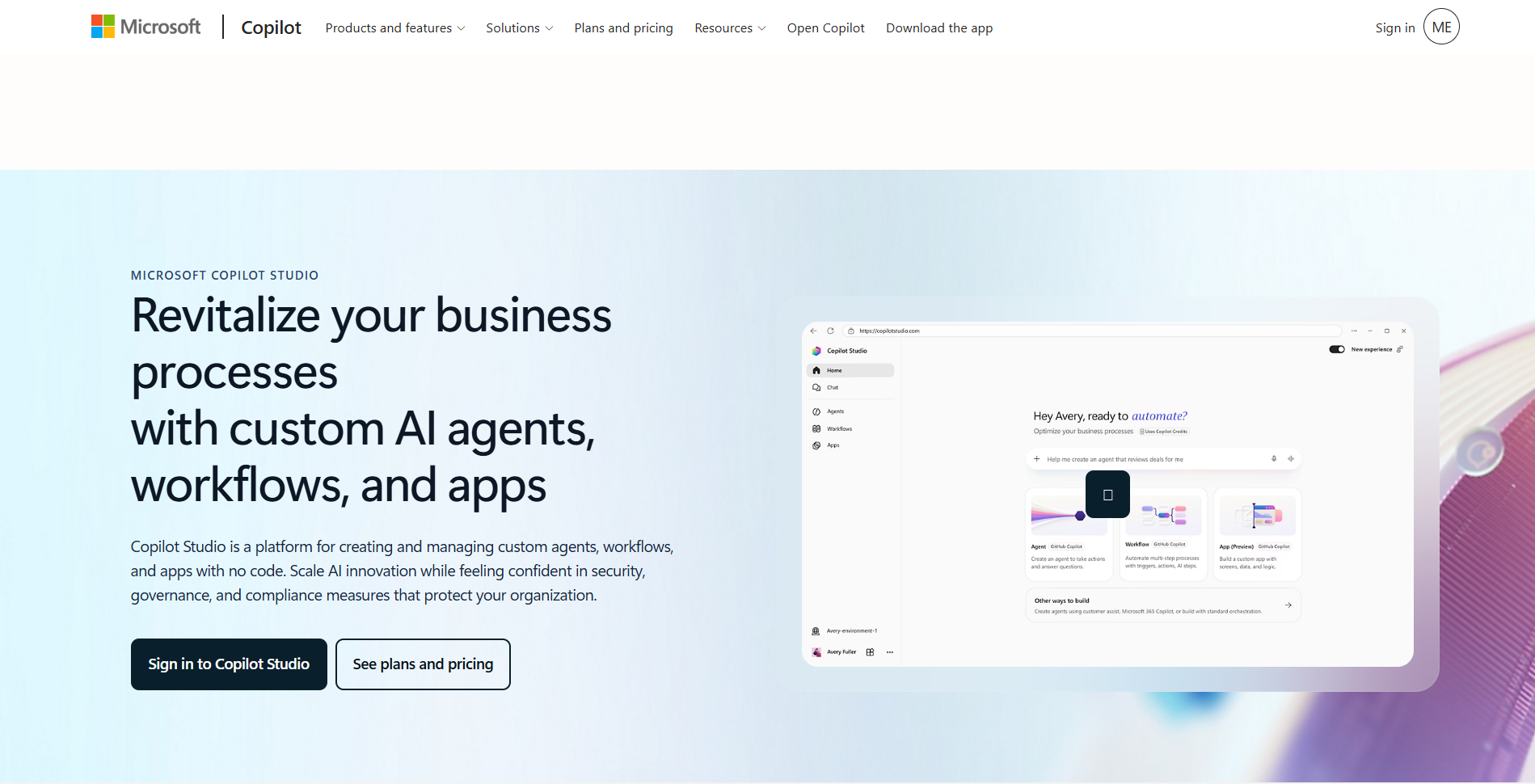
Copilot Studio builds agents for Microsoft 365, Teams and Dynamics, with connectors and Microsoft's identity controls.
Where it stops: strongest inside the Microsoft ecosystem, with licensing to plan around.
3. Salesforce Agentforce
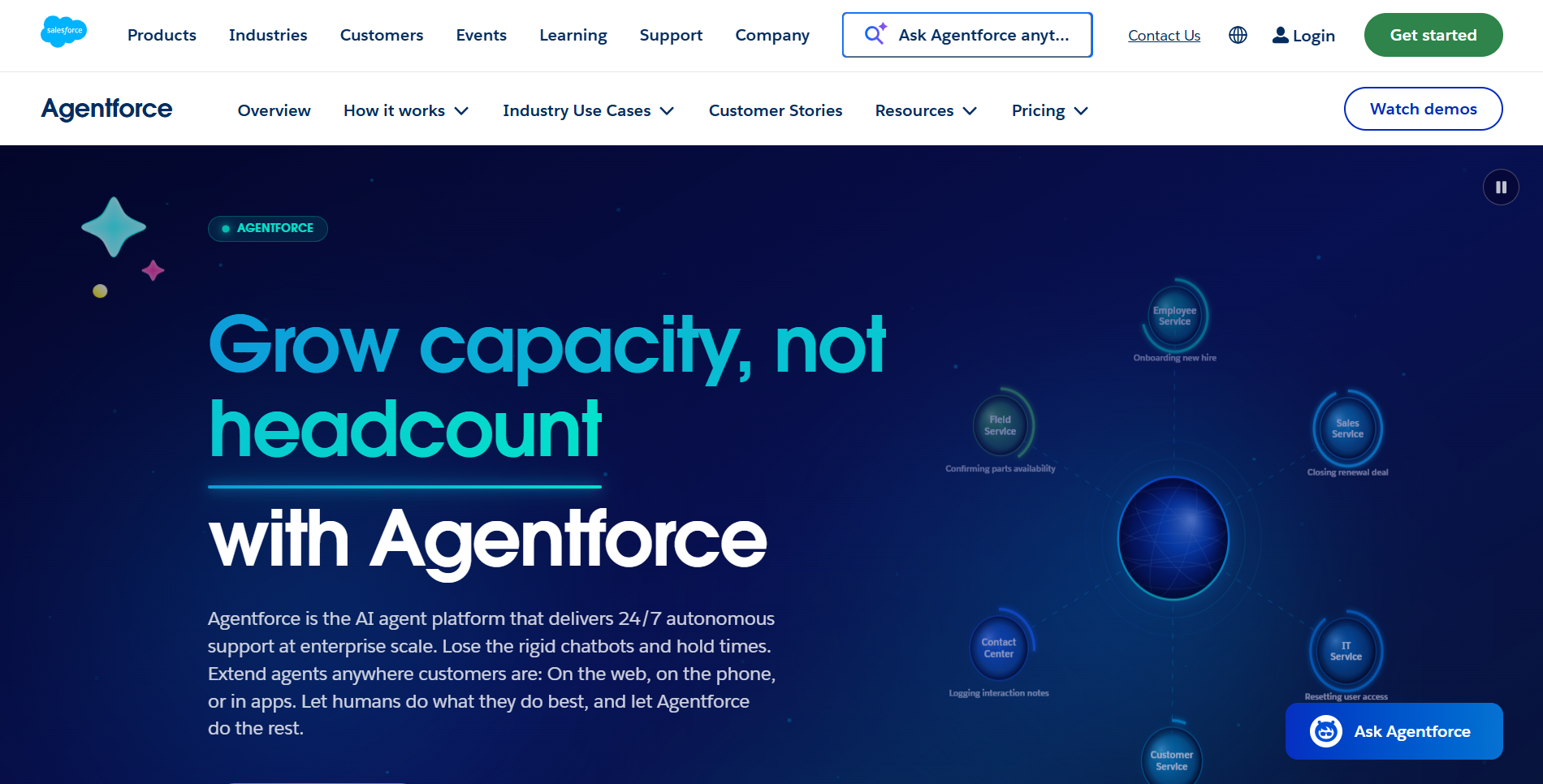
Agentforce runs agents on Salesforce data for service, sales and commerce, inside Salesforce permissions.
Where it stops: it assumes Salesforce is the center of your data.
4. Google Vertex AI Agent Builder
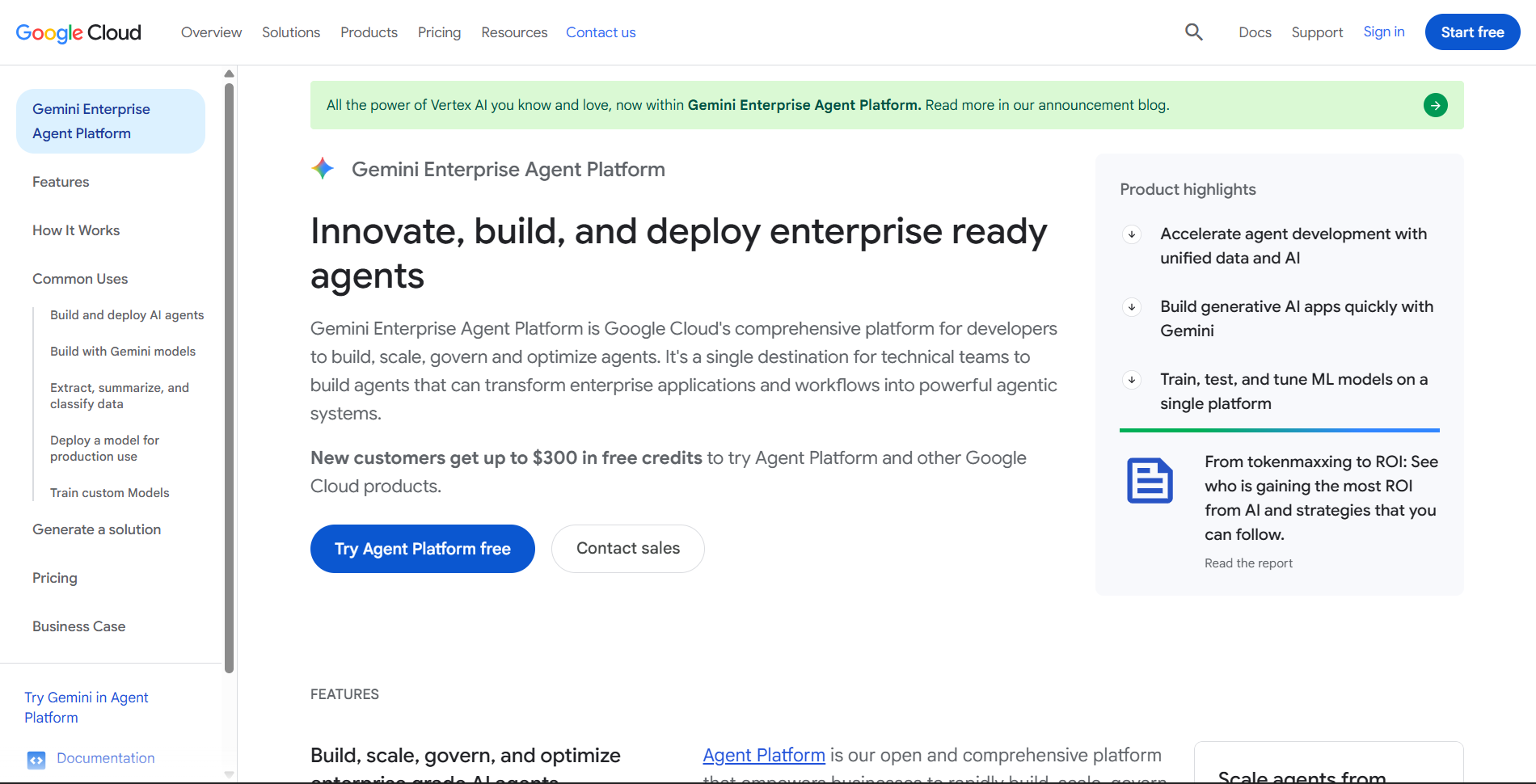
Vertex AI Agent Builder gives developers tools to build, ground and deploy agents on Google Cloud.
Where it stops: a developer platform, not something business teams use directly.
Automation-first agents
5. Zapier Agents
Zapier Agents act across the thousands of apps Zapier connects to.
Where it stops: task-based pricing, and agents work through app APIs rather than your database.
6. n8n
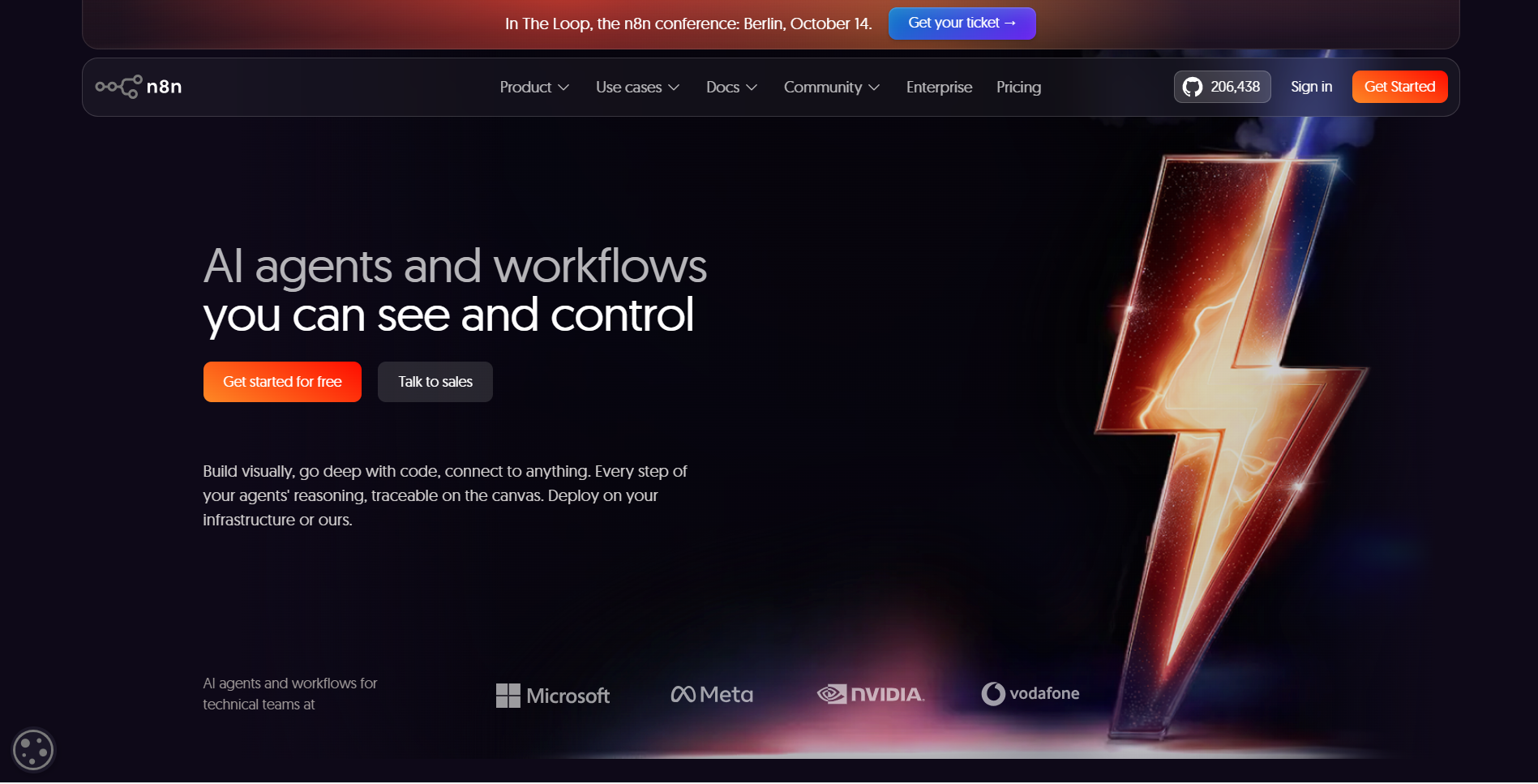
n8n lets technical teams build agent workflows with LLM nodes, and it can be self-hosted.
Where it stops: it is a builder's tool; business users need someone to set it up.
No-code agent builders
7. Lindy
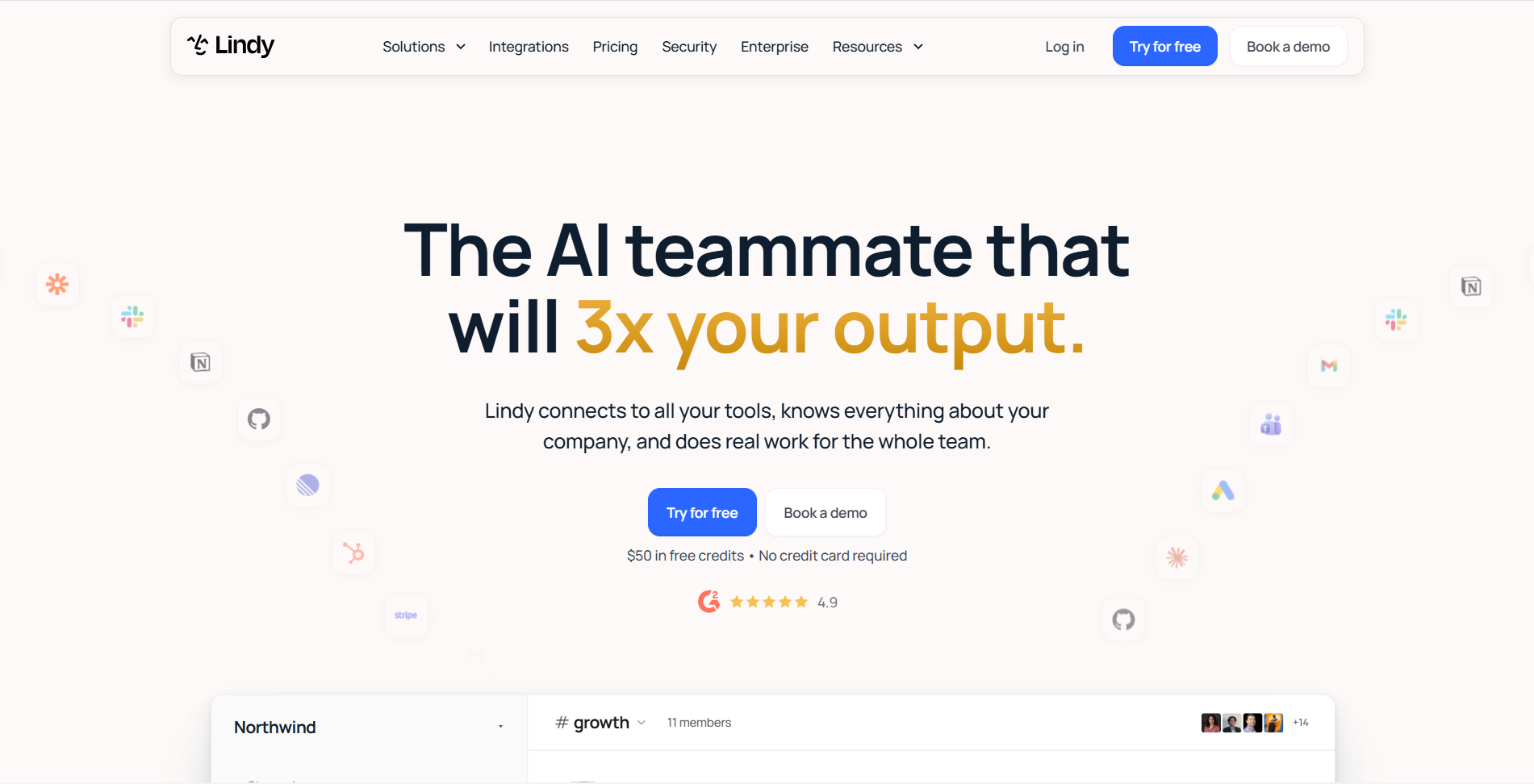
Lindy builds assistants for email, meetings and scheduling with little setup.
Where it stops: focused on personal productivity more than operational data.
8. Gumloop
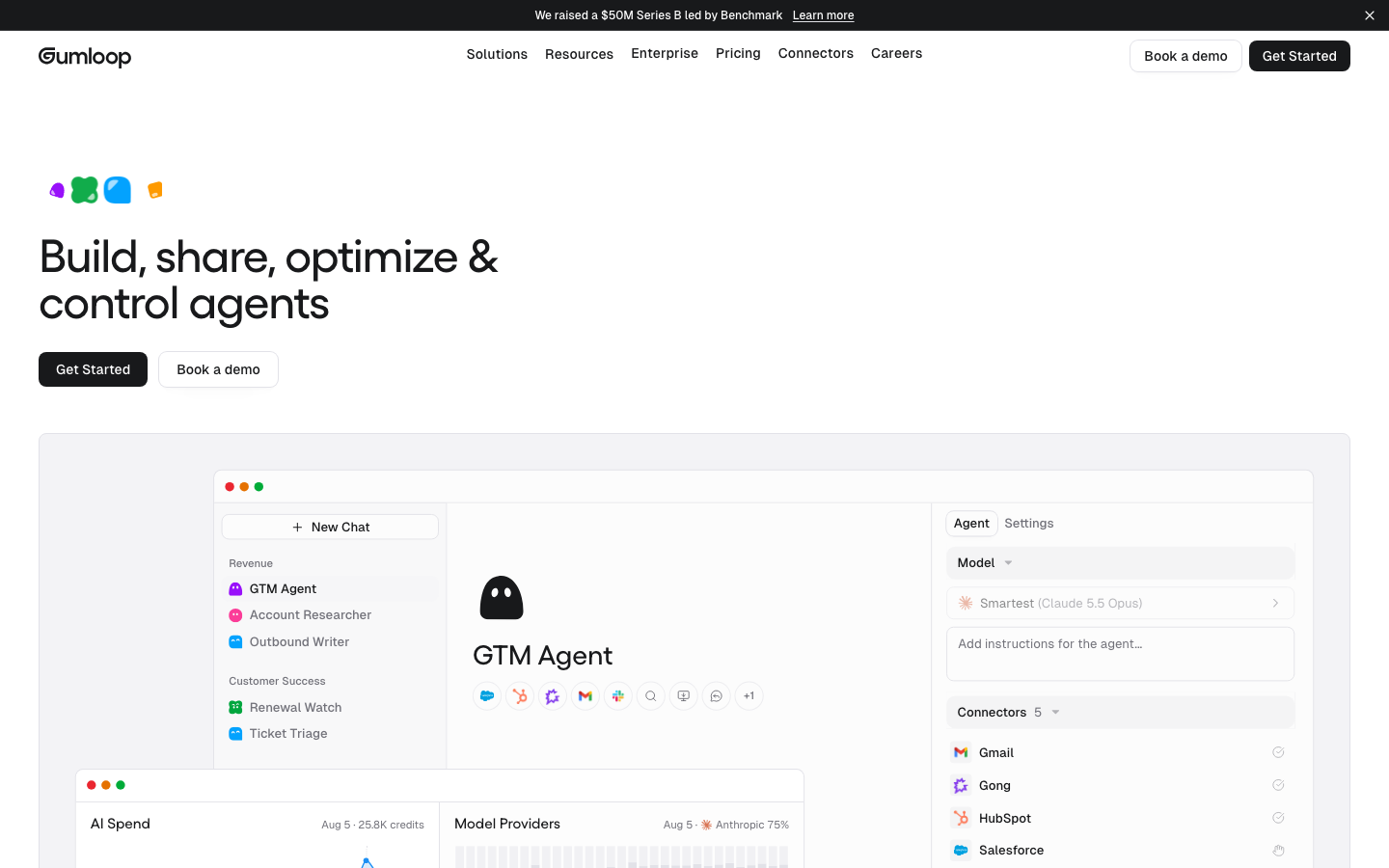
Gumloop builds AI workflows with a visual canvas for ops, marketing and research tasks.
Where it stops: governance for sensitive data needs careful setup.
9. Relevance AI
Relevance AI builds teams of agents for sales research, outreach and operations.
Where it stops: best for defined tasks rather than broad internal apps.
Specialized agents
10. Intercom Fin
Fin answers customer questions from your help content and resolves common requests.
Where it stops: built for support conversations only.
Which to use
- Agents need to act on your own database and APIs, inside your permissions: Jet Admin.
- You run on Microsoft 365 or Salesforce: Copilot Studio or Agentforce.
- Developers are building on Google Cloud: Vertex AI Agent Builder.
- You want agents across many SaaS apps: Zapier Agents or n8n.
- You want quick no-code assistants: Lindy, Gumloop or Relevance AI.
- You need a support agent: Intercom Fin.
Evaluate business agents by the job they complete
Use one real business task as the unit of comparison. A renewal brief, a support-triage proposal, a purchase-request review, and a prospecting play have different evidence and execution requirements. A general platform demonstration can hide whether the specific connector, action, or permission feature needed for your task is actually available.
For a renewal review, identify the authoritative CRM, usage, and billing sources and specify the intended output. Require the agent to distinguish a missing source response from a verified absence of overdue invoices. A plausible narrative is not equivalent to a sourced and current account brief.
Current agent products can span more than their original category suggests. Compare the selected agent and configuration rather than assuming a CRM product can never use external context or a conversation-intelligence product can never execute a workflow. Verify the current feature and plan for the actual account.
| Task type | Evidence needed | Execution boundary |
|---|---|---|
| Research or briefing | Sourced current facts and uncertainty. | No implied permission to send or update. |
| Operational proposal | Relevant records and policy references. | A specific reviewable change. |
| Approved transaction | Authorization and current destination state. | A bounded, validated operation. |
| Monitoring | A narrowly defined recurring question. | Stop at escalation when a change is needed. |
Check identities across connected systems
An app user, the agent runtime, and a connected service account can have different privileges. Trace which identity retrieves each record and applies each operation. A visible account filter or a friendly role name does not prove the underlying query cannot reach another tenant’s records.
Test a restricted user, an out-of-scope record, a denied tool call, and a source containing misleading instructions. Retrieved messages and documents are evidence to interpret, not authority to broaden the agent’s task. Keep the data boundary enforced independently of the model’s willingness to follow a prompt.
Jet Admin’s agent-builder page provides one route to evaluate an agent with a surrounding business interface. Verify the actual configured tools and roles before claiming that a generated workflow already implements the organization’s policy. The same requirement applies to every other shortlisted platform.
Compare complete task cost and ownership
Include subscriptions, agent or model consumption, connected data providers, integration work, and human review. Count failed attempts and rechecks as well as successful outputs. Two products with similar monthly prices can produce different costs for a long research task, a short classification, or a high-volume workflow.
Retain a small acceptance set and rerun it when a connector, model, prompt, or permitted action changes. Record whether the agent completed the business task, not merely whether the API returned without an error. An escalation can be the correct outcome when evidence is missing.
Assign an owner for policy updates, credential rotation, failed runs, and support. Start with a bounded deployment whose outcome people can verify in the source system. Expansion should follow demonstrated task fit and tested controls, rather than the number of agent features on a product page.
Frequently asked questions
What is an AI agent for business?
Software that uses a language model to complete tasks, not just answer questions: reading data, deciding next steps and taking actions in business systems.
Are AI agents safe to connect to company data?
They are as safe as the permissions around them. Give agents the same role-based access as people, require approval for risky actions and keep an audit log.
Do I need developers to build AI agents?
Not for many tasks. No-code tools cover common cases; developer platforms make sense for custom, high-volume agents.
Put an agent to work on your data
Start with Jet Admin for free and build an agent inside the apps your team already uses.