

Employee onboarding software should make it clear who owns each step before a new hire arrives, from paperwork to account access and role-specific training. For a small business, the right choice depends on whether you need an HR system, payroll, IT provisioning, a training library, or a portal connecting the tools you already use. These six options cover different parts of that job, with the costs and practical checks that help you choose.
Employee onboarding software: the six options at a glance
| Tool | Choose it when | Main buying consideration | Pricing model |
|---|---|---|---|
| Jet Admin | You need an onboarding portal on existing data | You configure the workflow; granular permissions require Business or above | Free plan; paid plans based on AI credits, with unlimited users |
| BambooHR | You want onboarding connected to employee records | Check the small-team minimum and any additional services | Flat monthly pricing for up to 25 employees; per employee above that |
| Gusto | You want onboarding connected to US payroll | Confirm which checklist, document, and provisioning features your plan includes | Monthly base fee plus a per-person charge |
| Rippling | HR, IT, and equipment setup should work together | Price the complete set of modules you need | Per employee, with a base fee and product-dependent quote |
| Deel | You manage workers across countries or employment arrangements | Separate HRIS, contractor management, and employer-of-record costs | Different prices for HR software and hiring services |
| Trainual | Documented processes and role-specific training are the gap | Budget for content preparation and implementation | Plan quote plus a published implementation fee |
This is a comparison of published product documentation and pricing, checked October 30, 2026. Jet Admin publishes this article; the recommendations distinguish a configurable portal from packaged HR, payroll, and training products. We have not run a hands-on benchmark of all six.
What employee onboarding software should cover
Start with the work that currently falls between teams. A signed offer does not tell IT which applications to provision, and a completed training video does not confirm that a manager has arranged the first assignment. An onboarding system needs to connect those responsibilities without exposing employee information to everyone involved.
- Before the start date: collect the required information, show first-day instructions, and assign preparation tasks.
- HR administration: track documents and acknowledgments in the system responsible for them.
- IT and facilities: route equipment and access requests to named owners, with due dates and visible status.
- Manager onboarding: provide a checklist appropriate to the role, team, and working location.
- Training: assign the right material and distinguish opening a document from completing an assessment.
- Oversight: show overdue tasks and exceptions so somebody can act before the new hire is blocked.
These functions can live in more than one product. The important decision is which system owns the employee record and how changes move between systems. That decision should come before choosing a prettier checklist.
1. Jet Admin: a portal on the data you already keep
Jet Admin fits the coordination work around an existing HR or payroll system. Its HR management template provides a starting point for employee records, onboarding tasks, approvals, and reporting, with connections to sources such as PostgreSQL, Airtable, and Google Sheets.
Where it fits
Consider it when your HR system handles employee administration but the surrounding work still happens in spreadsheets and messages. For example, you could configure a new-hire view, an IT request queue, a manager checklist, and a dashboard showing cases that need attention. Those are workflow designs to configure and test, not a promise that every HR integration arrives prebuilt.
Start with one record for the onboarding case and link its tasks to the appropriate employee. Keep payroll and sensitive documents in the systems designated to hold them. A portal can display the status HR needs without copying every underlying document into another place.
Pricing and limitations
Jet Admin's pricing page lists a free plan and AI-credit-based paid plans, with unlimited users, apps, and workflows. Granular permissions, SSO, and audit logs are Business features; on-premise deployment is Enterprise. Plan for the required access controls before inviting employees into a production HR workflow.
Jet Admin does not replace payroll processing or an employer-of-record service. Your team also owns the design: field mapping, task rules, integration behavior, and the checks that prove each role sees the right information. A useful first test is whether a manager can work on their team's onboarding cases while a new hire sees only their own tasks.
2. BambooHR: onboarding connected to employee records
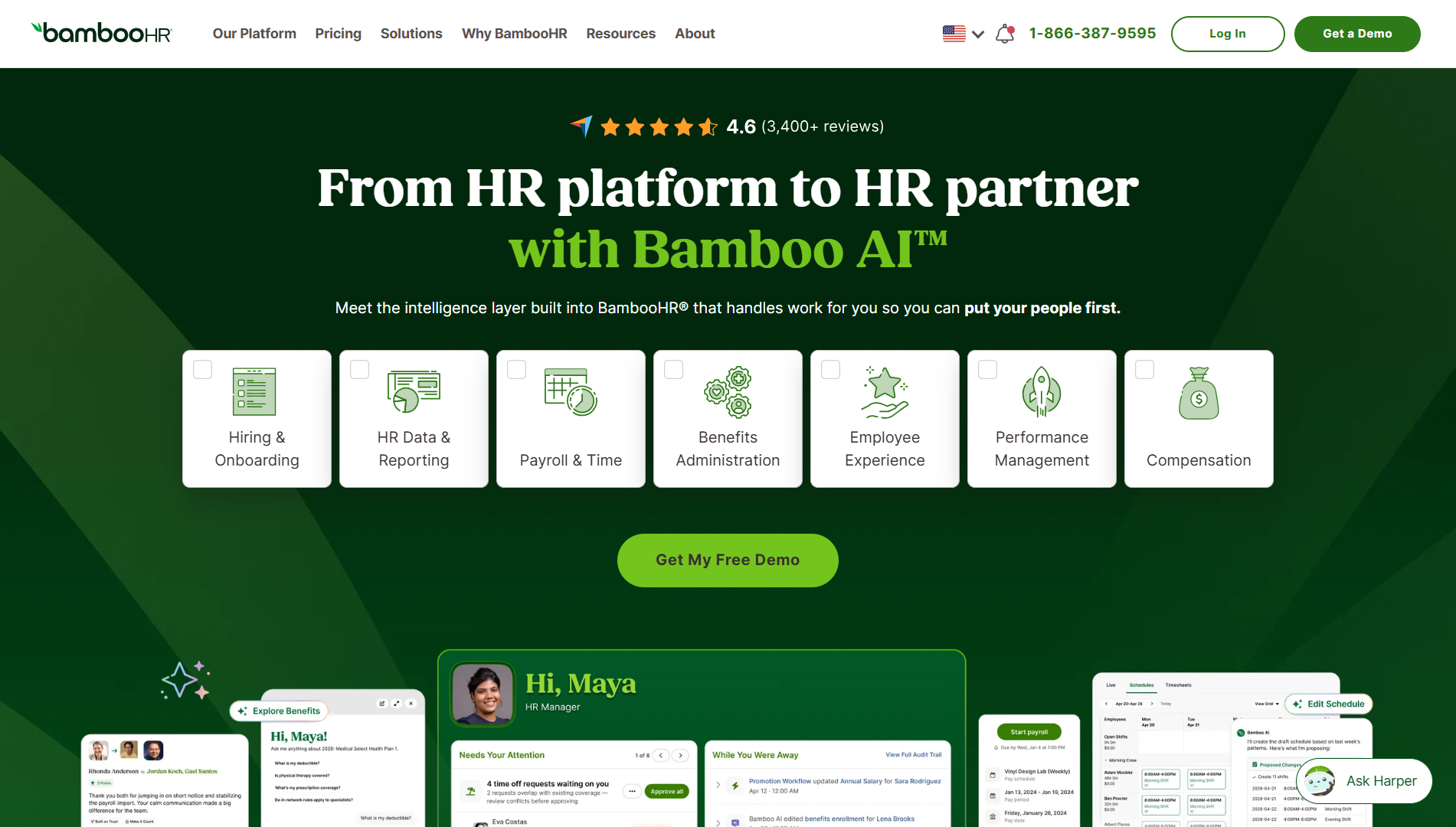
BambooHR Onboarding combines new-hire packets, electronic signatures, customizable checklists, reminders, and progress tracking. Onboarding information flows into the employee record, which makes it relevant when you are also choosing the HR system that will hold that record.
Where it fits
A team that repeatedly enters the same new-hire information into different files should test that shared record first. Ask a vendor to demonstrate a candidate moving into onboarding, completing a packet, and appearing correctly in the employee database. Then check how a manager follows progress without depending on HR to send an update.
BambooHR also describes templates tailored to roles and working arrangements. Use the demo to compare two genuinely different hires, such as an office-based employee and a remote employee, rather than reviewing one generic checklist.
Pricing and limitations
The pricing page lists hiring and onboarding in Core and explains two billing models: a flat monthly amount for companies with 25 employees or fewer, and per-employee pricing for larger teams. Ask for the applicable minimum, included services, and add-ons in writing.
BambooHR is most relevant when you want the wider HR platform as well. If you are satisfied with your current employee database and need only an equipment handoff or a specialized approval path, compare the cost of adopting another HR system with the cost of connecting that missing workflow. Include the effort to migrate records and train the people who maintain them.
3. Gusto: onboarding connected to US payroll
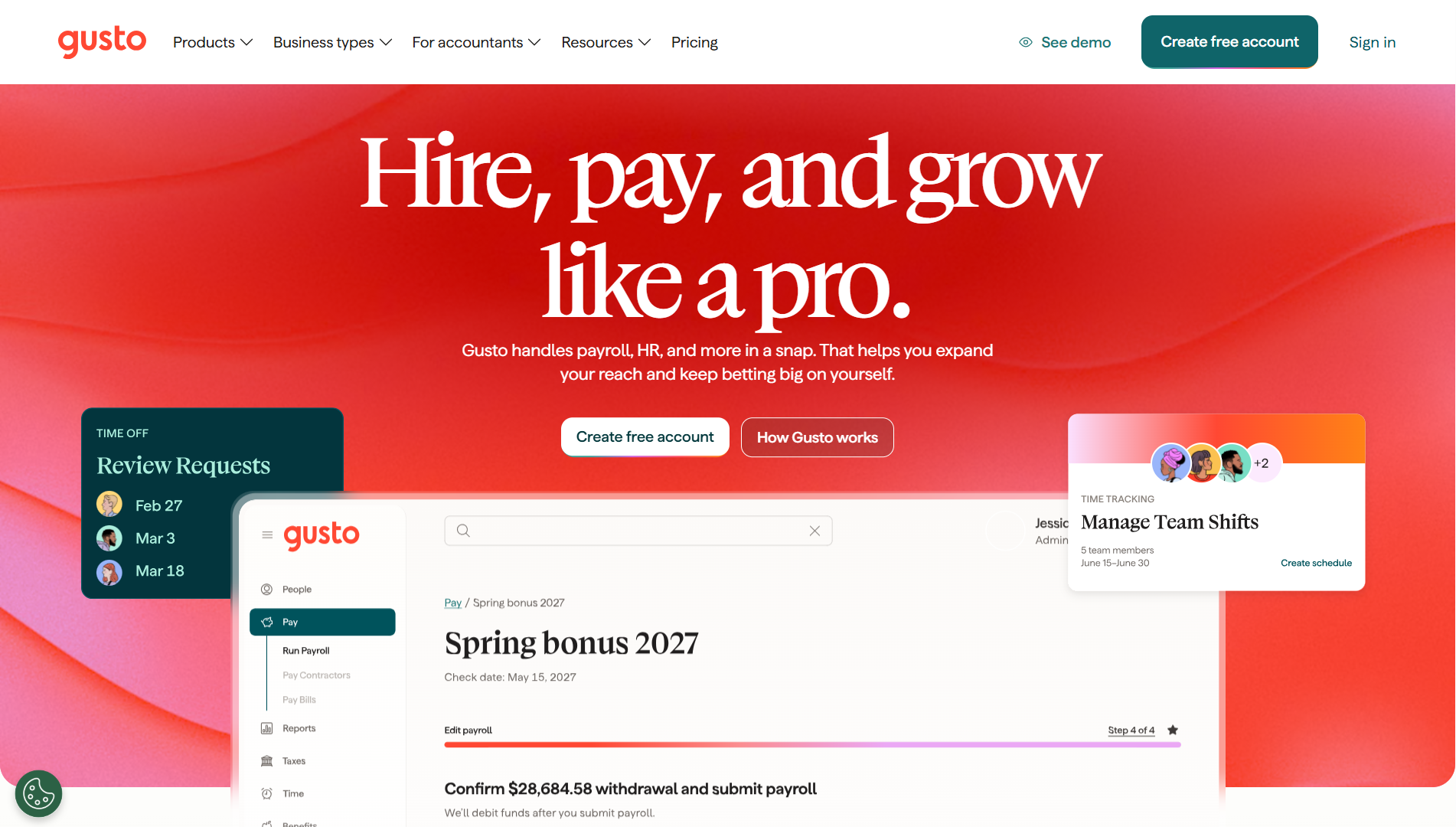
Gusto's hiring and onboarding tools include offer letters, employee self-onboarding, checklists, document signing, and software provisioning. This makes Gusto a candidate when payroll is already the central buying decision.
Where it fits
For a US team, test the handoff between collecting new-hire information and having the person ready for payroll. Review how managers receive tasks and how HR can find a missing document without sending another attachment by email.
Gusto also advertises creating and removing accounts in supported applications. Check the specific applications you use and the plan requirements. A provisioning integration is more useful than a checkbox labeled “IT onboarding” only if it performs the actions your team actually needs.
Pricing and limitations
The published Simple plan starts at $49 per month plus $7 per person; Plus is $99 plus $12 per person, and Premium is $179 plus $22 per person. These are US list prices checked on the review date, before applicable add-ons.
At those rates, Simple for 20 people would be $189 per month, while Plus would be $339. Those are arithmetic examples, not quotes or recommendations that either plan includes every onboarding feature you need. Check the current feature comparison before choosing a tier.
Treat software provisioning as a specific integration requirement. Confirm which accounts the proposed plan can manage, then assign the remaining work, such as equipment delivery or unusual access requests, to a named owner. That gives you a realistic picture of what the subscription will automate.
4. Rippling: coordinate HR, IT, and equipment setup
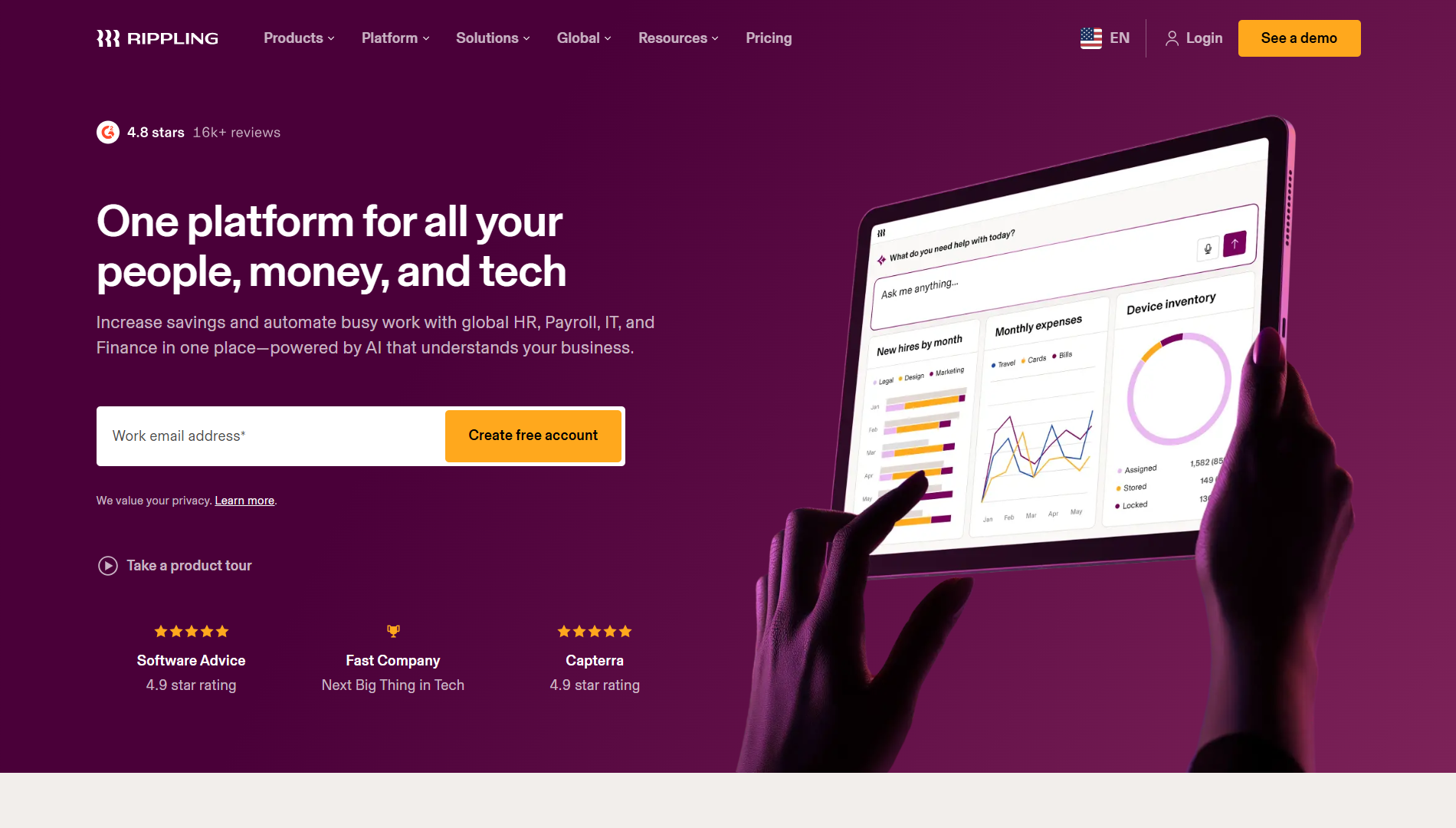
Rippling combines HR, payroll, IT, and finance products around employee information. Its product overview describes onboarding alongside application and device setup, making it worth evaluating when a hire triggers work across several departments.
Where it fits
Focus the demonstration on the handoffs. Ask what happens after the hire is entered: which accounts are created, which device steps are triggered, who approves exceptions, and where failures appear. Give the vendor a list of the applications and equipment arrangements your company uses.
Also test a changed start date. A workflow that works for the normal case can still leave HR and IT working from different dates when a hire is delayed. Ask the vendor to demonstrate the change, rather than assuming every connected action automatically reverses.
Pricing and limitations
Rippling's pricing FAQ states that plans start at $8 per employee per month with a monthly base fee, and that the total depends on the products selected. That starting figure is not a quote for a complete HR, payroll, and IT onboarding deployment.
Ask for an itemized proposal identifying the required platform, HR, application-management, and device-related products. A broader platform may remove handoffs, but it also creates more configuration decisions and a larger purchasing scope. Compare it with the systems you already own before replacing a narrow onboarding problem with a company-wide migration.
5. Deel: different worker types and international teams
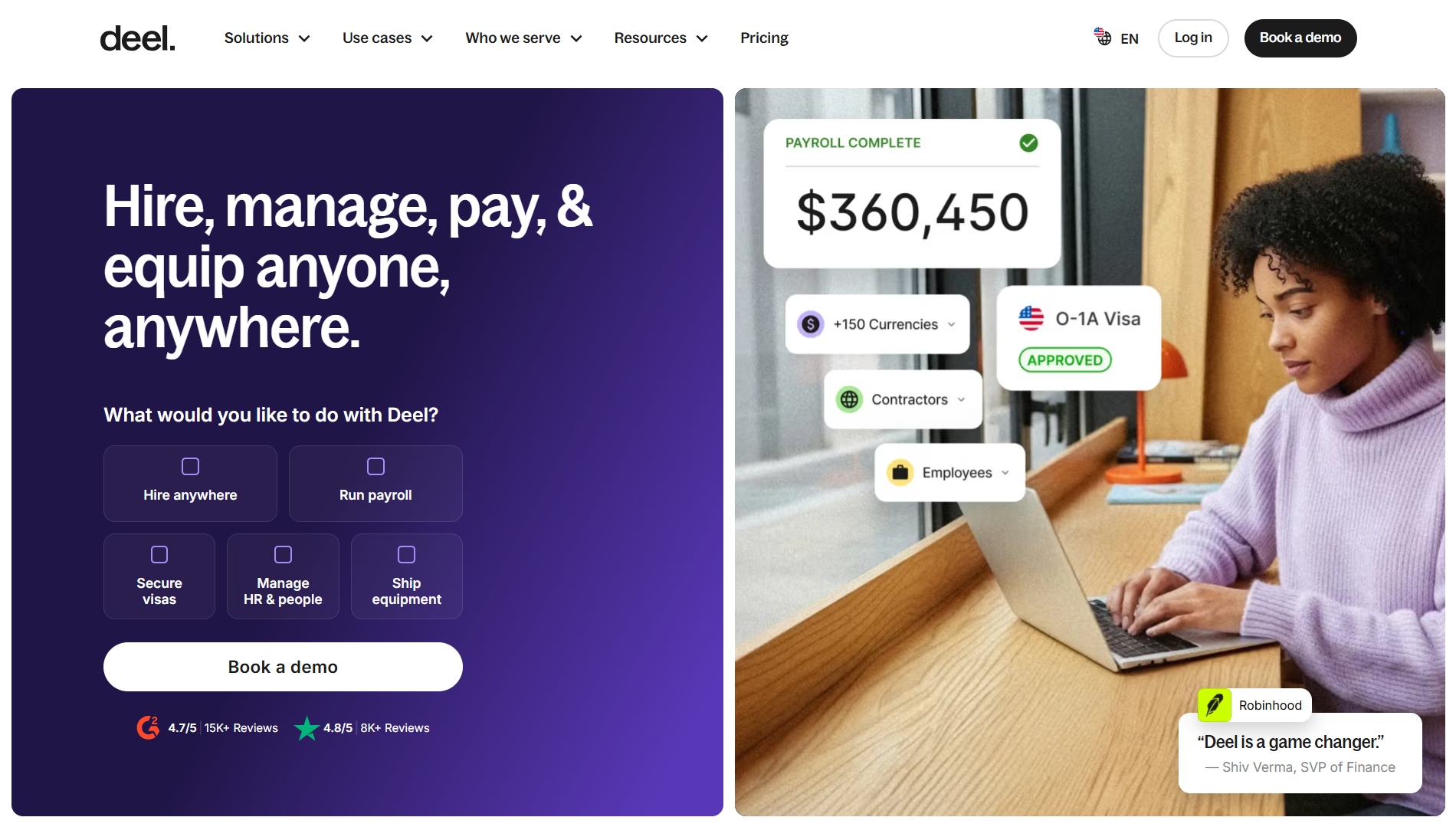
Deel HRIS brings employee, contractor, and employer-of-record worker information into a common system. Its published feature set includes documents, onboarding workflows, tasks, approvals, and reporting.
Where it fits
Deel is worth evaluating when the onboarding path changes by country or working arrangement. Ask to see the same company bringing on a direct employee and a contractor, and confirm which products handle each person. Keep that product distinction visible throughout the purchasing process.
An employer of record, or EOR, provides an employment service for hiring in places where the customer does not have its own employing entity. Buying that service is a different decision from buying a checklist or HR database.
Pricing and limitations
Deel's HRIS page lists HR Core at $5 per person per month. Its separate hiring-services pricing starts at $49 per contractor per month for contractor management and $599 per EOR employee per month. These prices describe different services and should not be placed in one comparison column as interchangeable onboarding subscriptions.
Define the job before requesting a quote: HR records and workflows, contractor administration, payroll, or EOR hiring. Verify the country coverage and responsibilities for your actual workers. A company hiring only domestic employees may still consider the HRIS, but it should not use an EOR starting price to estimate that purchase.
6. Trainual: role-specific training and documented processes
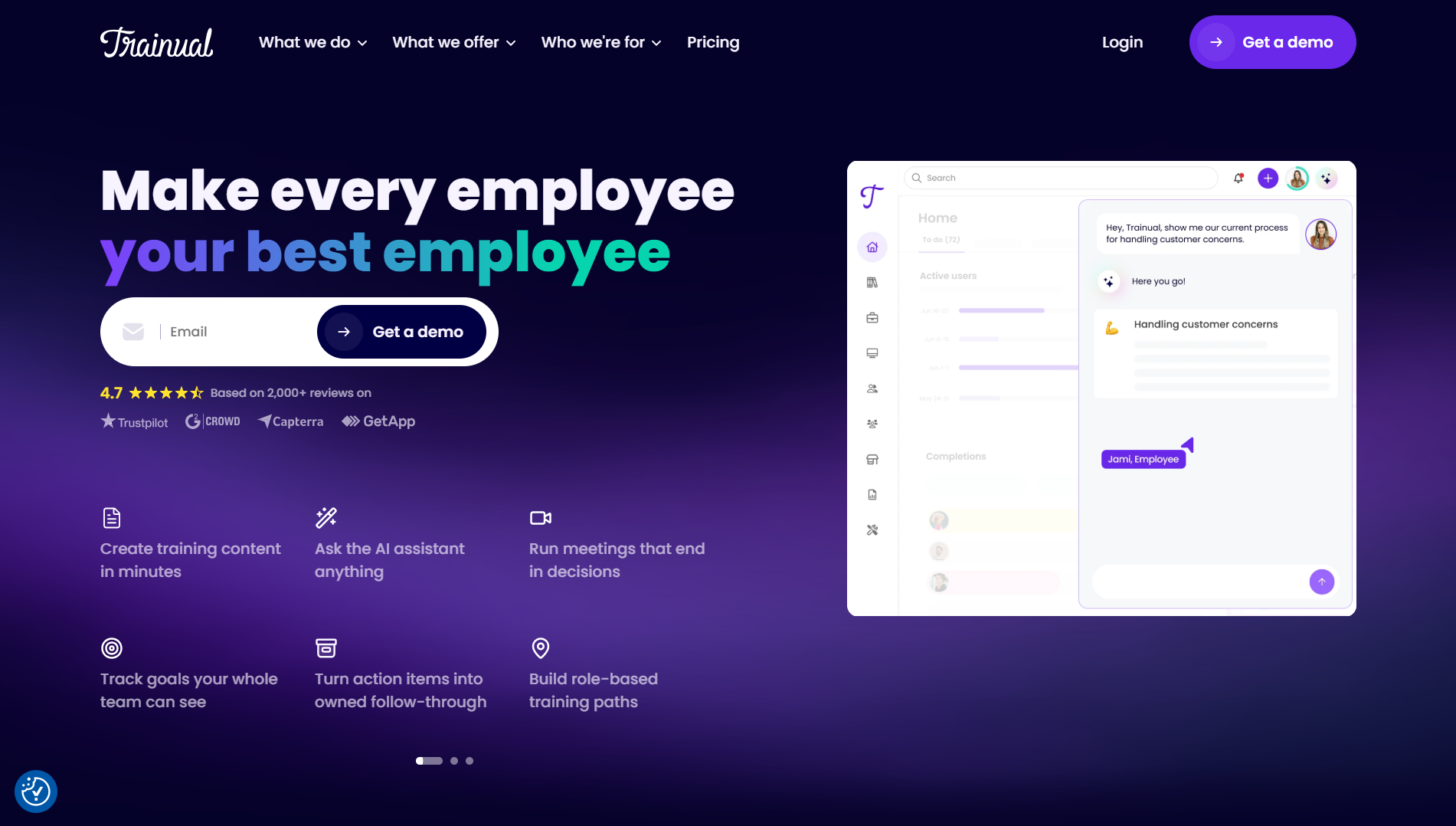
Trainual focuses on making processes, policies, and training available to employees. Its current product offering includes role-based training, assessments, acknowledgments, and completion reporting, alongside operations and performance products.
Where it fits
Consider it when new hires finish their paperwork but still depend on colleagues to explain how work gets done. Choose one role and identify the procedures that person must learn in the first month. A useful pilot assigns that material, checks understanding, and shows a manager what remains incomplete.
The software needs usable content. Assign an owner to each process, identify who reviews changes, and decide what happens when a new version replaces a policy. Uploading a folder of outdated documents will preserve the same problem in a different interface.
Pricing and limitations
Trainual's pricing page routes buyers to a demo and plan discussion and lists a one-time $1,000 implementation fee. Confirm the subscription quote and which training-path, signature, integration, and SSO features are included in the proposed plan.
Its documented HRIS and payroll integrations can help synchronize employees with a training environment. Evaluate it as the learning and process-documentation part of onboarding; check how employee administration, payroll, and equipment requests will be handled by the rest of your stack.
How to choose employee onboarding software for a small business
Start with the system of record
Name the system that owns each important piece of information: the employee profile, signed documents, payroll details, application access, and training completion. Decide where each field is edited and which direction it syncs. Two editable copies of the same start date can create more work than a missing integration.
Run a small, realistic pilot
Use fictional employee records to walk through a normal hire and an exception. Include a changed start date, an overdue IT task, a document that needs correcting, and a manager who should not see another team's records. Record the manual handoffs left after each test.
For a configurable portal, test the data-access rules as well as the screen. Hiding a field in a form is not evidence that the underlying information is restricted. For a packaged platform, ask the vendor to demonstrate the same role separation in the proposed plan.
Compare the complete cost
Use the same headcount and requirements in every quote. Include subscription fees, required modules, setup, integration work, training content, and ongoing ownership. A training product, a payroll subscription, and an EOR service cover different jobs; compare the combined workflow you would actually run.
Ask whether managers, administrators, and new hires affect billing differently, whether inactive users remain billable, and whether signatures, provisioning, or reporting require an upgrade. Save the answers with the quote so a low starting price does not become the wrong plan after rollout.
A practical rollout checklist
Once you have a shortlist, map one role through these checkpoints. Treat them as a proposed implementation sequence to adapt, rather than a fixed schedule for every hire.
| Checkpoint | Owner | Evidence that the step is ready |
|---|---|---|
| Before invitations go out | HR and the system owner | Correct record, assigned manager, working role access, and approved task template |
| Before the first day | HR, IT, and facilities | Required paperwork tracked, equipment arranged, access requests assigned, and arrival instructions sent |
| First week | Manager and new hire | Introductions, role-specific training, first assignment, and unresolved blockers reviewed |
| After the initial ramp-up | Manager and HR | Training gaps, overdue tasks, feedback, and the next development milestones reviewed |
Give every exception an owner. “Waiting for IT” is not a useful status if nobody can identify the request or the next action. Track the number of unresolved tasks at the start date and the handoffs HR still has to chase, then use those observations to improve the next onboarding cycle.
If approvals are the missing connection, our guide to building an approval workflow explains how to structure the request, decision, and follow-up.
Frequently asked questions
What is employee onboarding software?
Employee onboarding software organizes the work involved in bringing a new hire into a company. Depending on the product, that can include paperwork, employee records, tasks, access setup, training, and progress tracking. Check which of those responsibilities the product actually covers before comparing prices.
How much does employee onboarding software cost?
The model depends on the job. Gusto combines a base fee and a per-person charge; BambooHR uses small-team flat pricing or per-employee pricing; Rippling varies by products selected. Jet Admin has a free plan with paid AI-credit plans, while Trainual and Deel require attention to implementation fees or separately priced services. Compare the total configuration you need, using the same headcount.
Is there free employee onboarding software?
Jet Admin has a free plan you can use to prototype an onboarding portal. Its unlimited-user policy does not put all governance features in that plan: granular permissions, SSO, and audit logs require Business or above. Include the appropriate controls when budgeting for a production workflow that handles employee information.
Can onboarding software create accounts for new employees?
Some products support provisioning. Gusto advertises account creation and removal for supported applications, and Rippling includes IT products alongside HR. Verify your exact applications, required actions, and plan before assuming an account or device step is fully automated.
What is the difference between onboarding software and an HRIS?
An HR information system, or HRIS, maintains employee information. Onboarding coordinates the work required when someone joins. They can be part of the same product, as with BambooHR or Deel HRIS, or connected through a portal and integrations. Identify the owner of each record so employees and managers do not have to reconcile conflicting copies.
Can I keep my current HR and payroll tools?
Yes, if the proposed onboarding layer can connect to the required data and actions. Confirm what the available APIs or integrations support, including updates and failures. A portal can coordinate work around an existing HR system; a training product can supply role-specific learning without becoming the payroll system.
Is employee onboarding the same as client onboarding?
No. Employee onboarding covers new hires, including internal responsibilities and training. Client onboarding covers the steps required to start serving a customer. If that is your use case, see our comparison of free client onboarding software.
Build the onboarding portal your team can follow
Choose employee onboarding software around the part of the process that needs ownership. Keep the HR or payroll product that handles its job well, then test whether the missing work needs a packaged feature, a training system, or a portal on your existing data.
Start with Jet Admin's HR management template, connect a test data source, and map one onboarding workflow before expanding it to the rest of the company.